



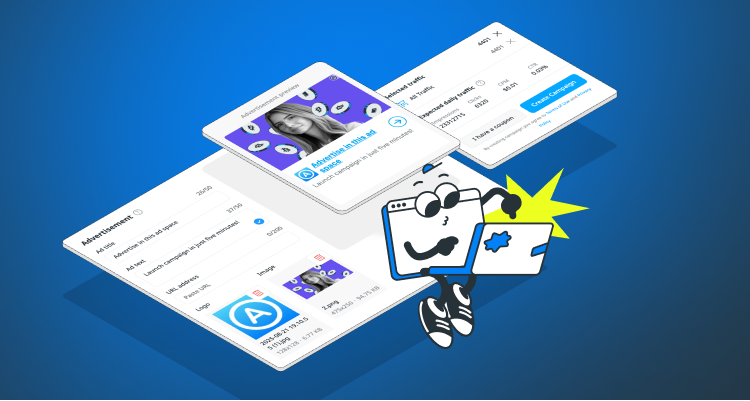
In this article, we’ll take a closer look at the Responsive ad format available to AADS advertisers available in the campaign creation wizard.
What makes this format stand out is that it automatically adjusts its size, appearance, and layout to fit any available ad space.
Another big advantage — you don’t need to design banners yourself. If you have a logo or an image, you can simply upload them, add your ad text, and the resulting banner will already look attractive and ready to run.
You can also combine graphic banners with responsive ones. If you don’t have a complete set of banners in all required sizes, just upload the ones you do have. On all remaining ad placements, responsive format banners will be displayed instead.
What does a responsive banner look like? It combines the logo, image, texts, and link you upload, displaying them in various combinations and sizes.

How to launch a Responsive format campaign:
1. Go to the campaign creation wizard.
2. Select your targeting and budget.
3. Scroll down to the Advertisement section.
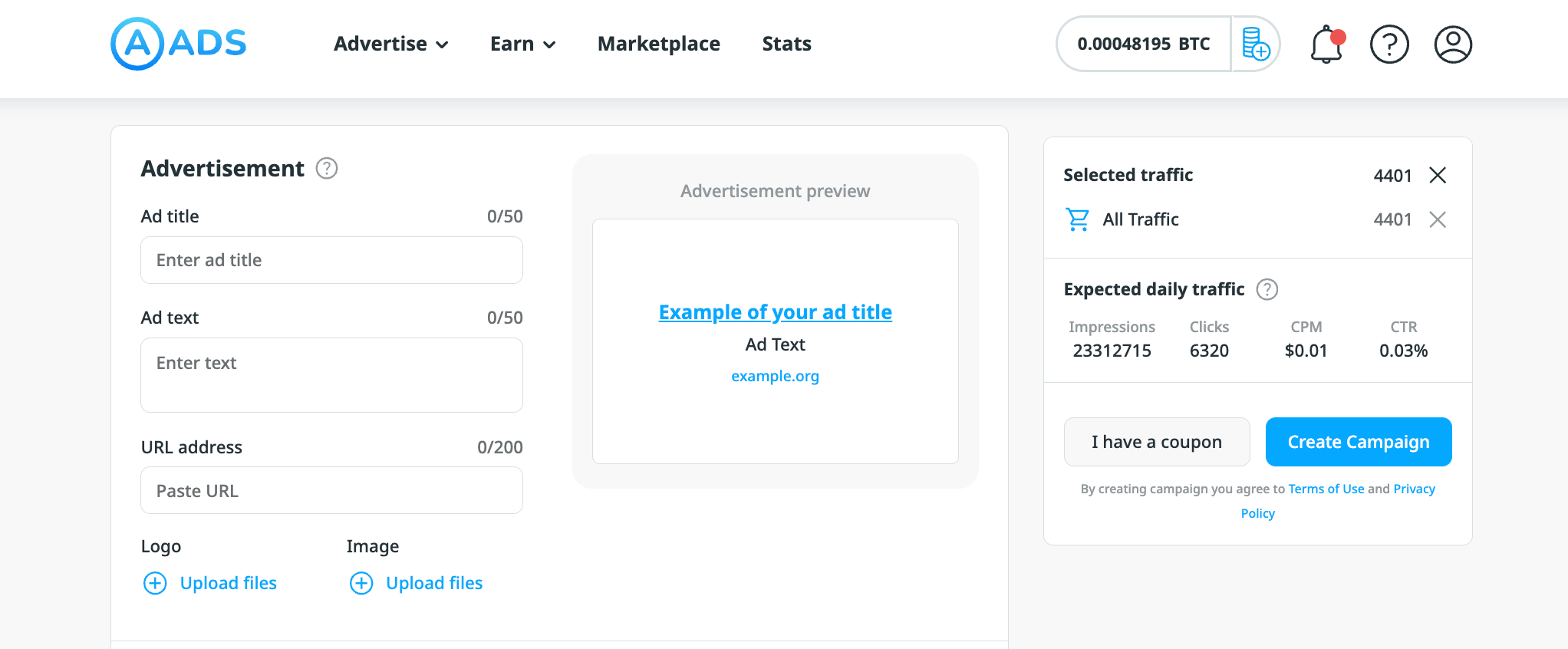
4. Enter your headline and ad text, URL address, upload image.
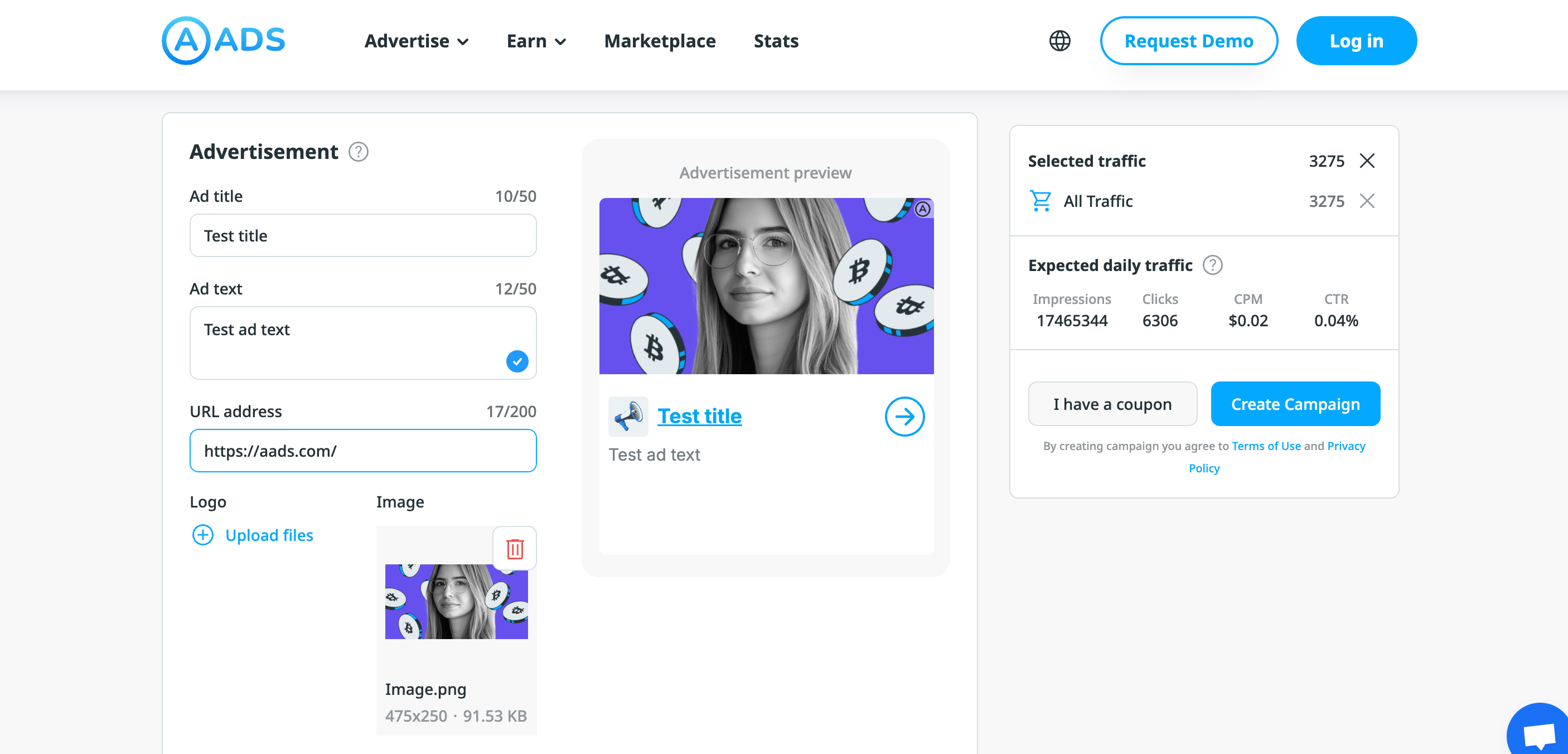
You can already leave the ad as it is. In this case, a generic placeholder will be shown instead of your logo. But if you have a logo, upload it as well.
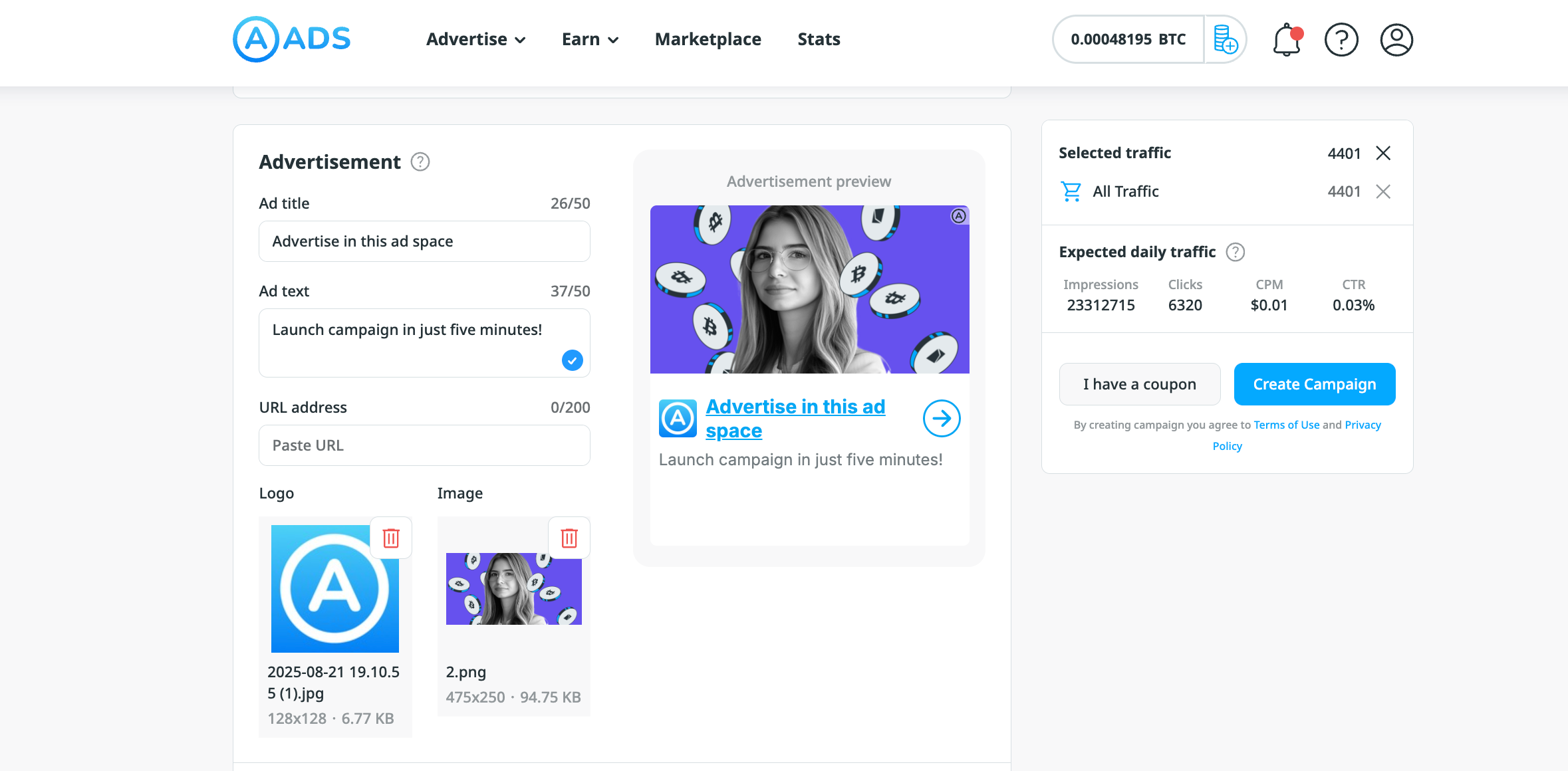
5. Click Create Campaign
6. Top up your account balance, and after quick moderation your campaign will go live
Launch campaigns quickly and effortlessly with a versatile responsive format — without compromising the visual impact of your ads or their performance.